For Doctors
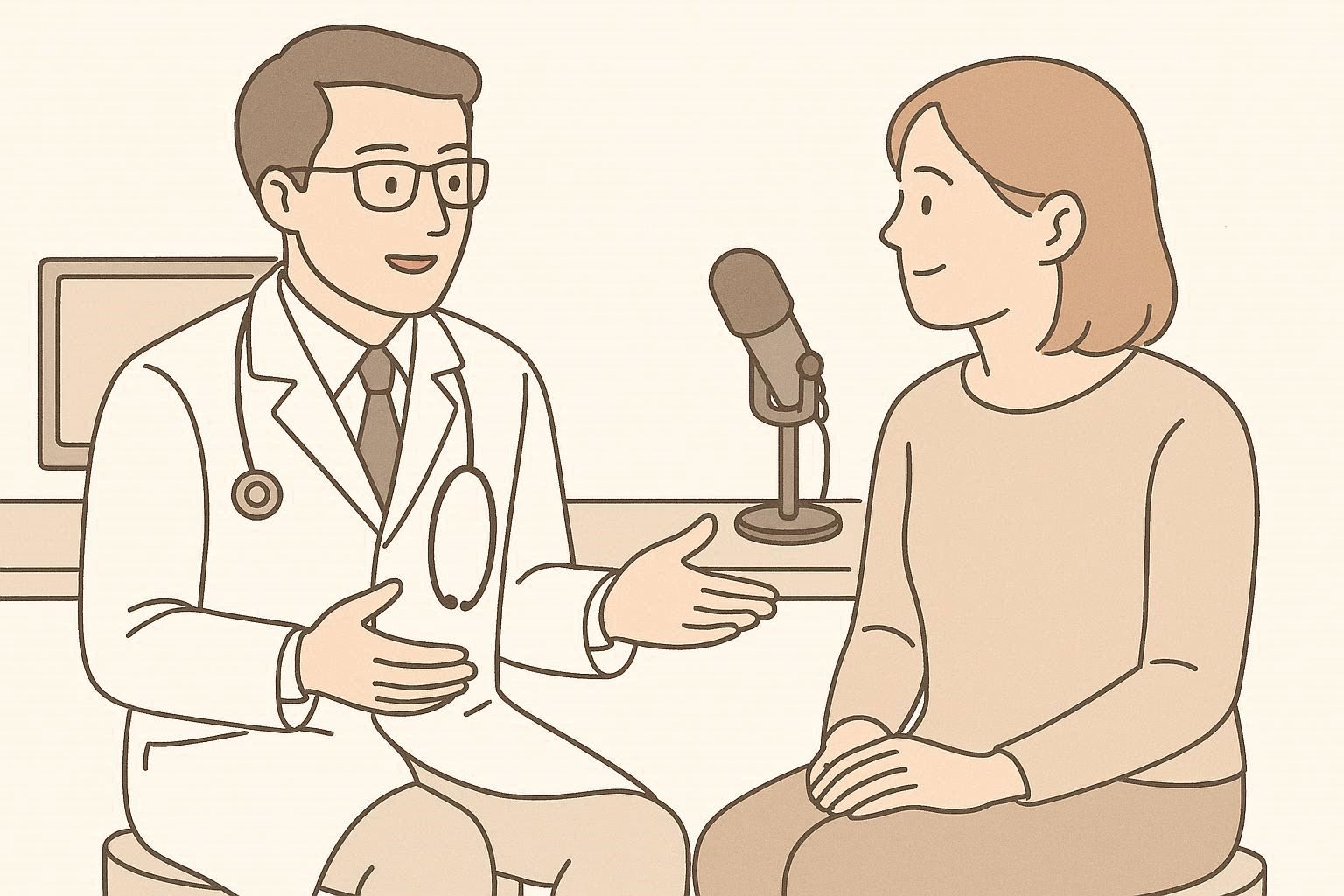
- Record patient consultations and receive structured clinical notes (SOAP, etc.)
- AI formats with medical terminology and third-person perspective
- Copy finished notes directly into your EHR system
- Phrase library for recurring text — insert full paragraphs with a shortcut
- Local AI keeps patient data on your computer
- Country-specific journal formats in 30+ languages

For Journalists
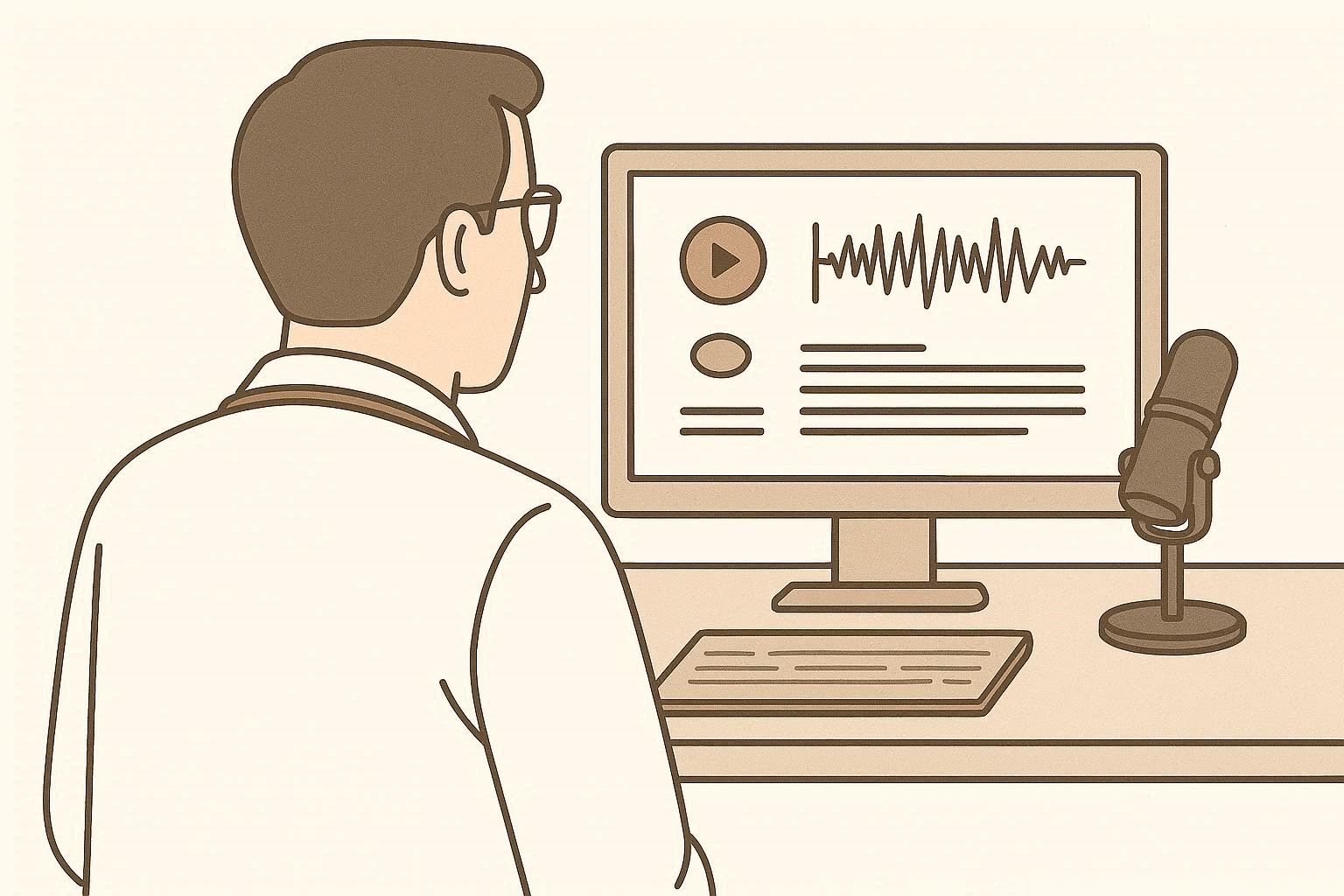
- Transcribe interviews and press conferences automatically
- AI identifies speakers and structures the dialogue
- Get clean, quotable text ready for your article
- Process hours of recorded material in minutes
- Works with any audio source — phone, recorder, microphone
- Full transcripts for archiving and fact-checking

For Meetings & Dictation
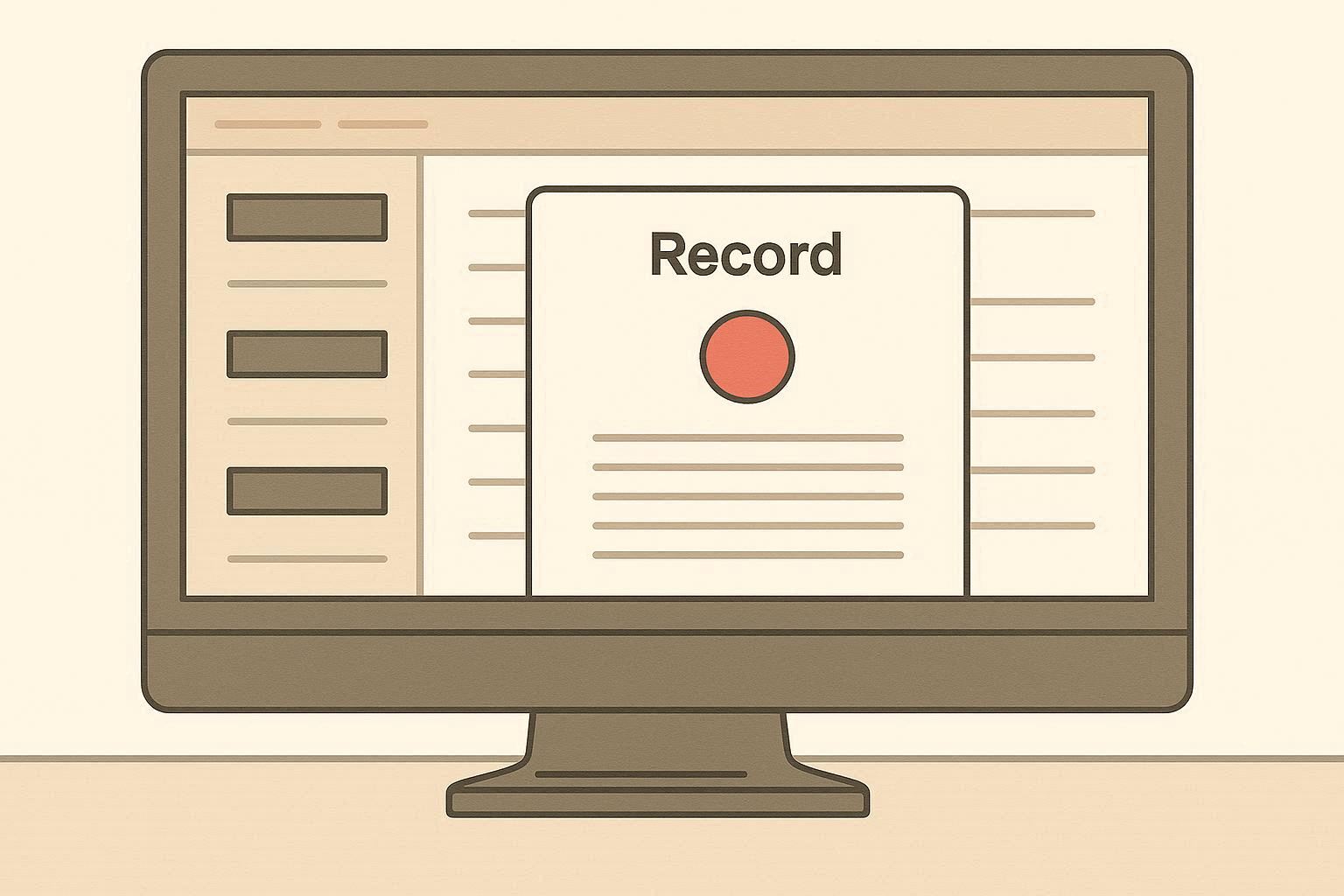
- Record meetings and get structured minutes with action items
- Dictate reports, memos, or letters — formatted and ready to send
- AI organizes your spoken words into clear, professional text
- Ideal for lawyers, consultants, and project managers
- Watch folder mode — drop audio files and get text automatically
- Privacy-first: process everything locally, no cloud required
One Tool, Many Uses
JournalHelper adapts to your profession. Record audio, get structured text — formatted for your workflow.
Local AI processing for full privacy. 30+ languages. Works offline.
Download free (Windows)7-day free trial. Then $9.99/month. Cancel anytime.